
Instube
Tools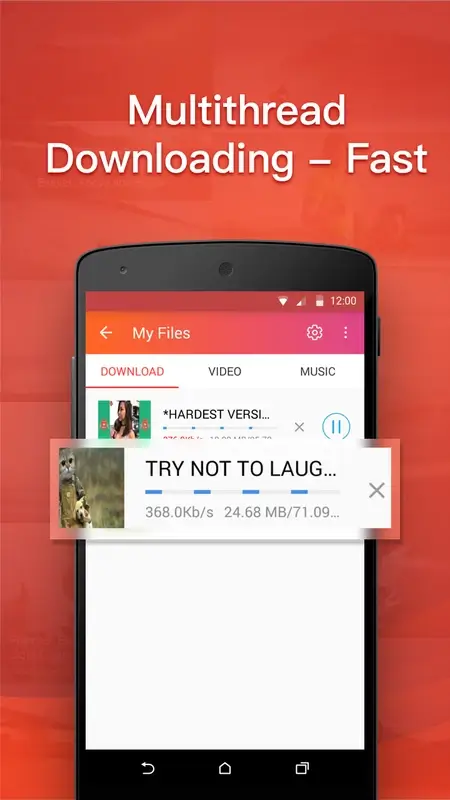
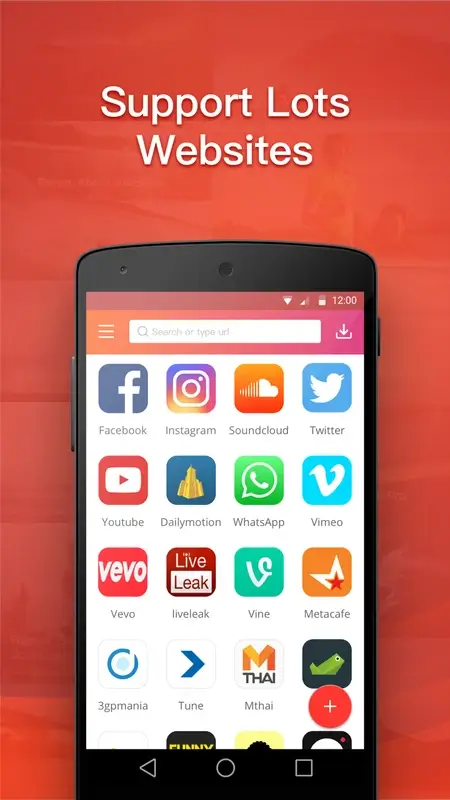



Instube is a lightweight Android utility that lets you save videos and audio from popular platforms such as YouTube and Facebook directly to your device. The app focuses on straightforward downloading and optional conversion to audio‑only files, making it handy for offline entertainment.
This page provides the latest version details, installation guide, basic troubleshooting, and a quick safety overview so you can decide if Instube fits your needs.
Quick Information
| App/Game Name | Instube |
| Latest Version | 2.6.6 |
| Developer | Not listed |
| Category | Apps / Tools |
| App Size | 8.47 MB |
| Package Name | com.instube.android |
| Last Updated | 1 October 2026 |
What Is Instube?
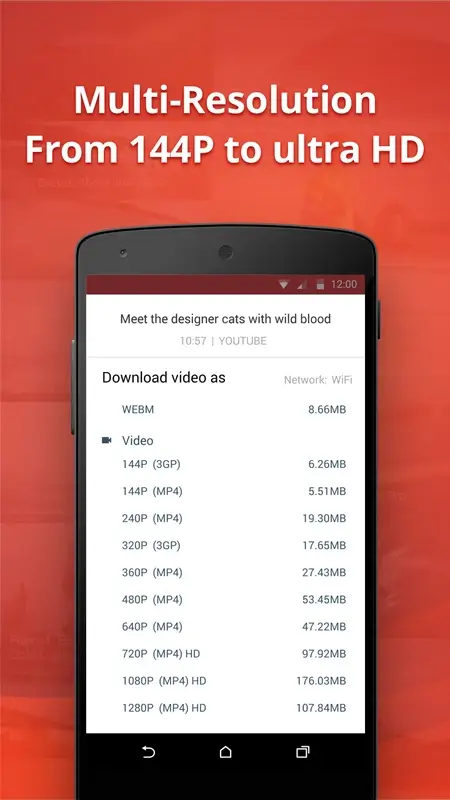
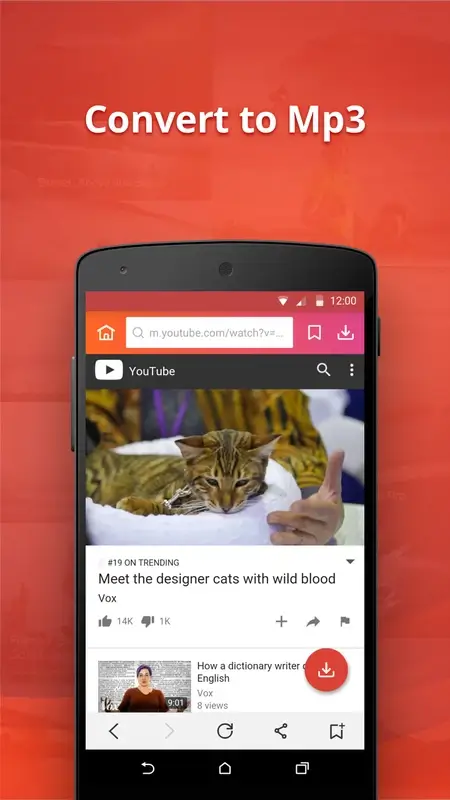
Instube functions as a downloader and converter. After pasting a video link, the app fetches the media and offers several quality options, from standard definition up to high‑definition files. You can also extract the audio track and save it as an MP3‑compatible file. The interface is minimal, targeting users who want a fast way to store content for later playback without streaming.
Compatibility
| Android Version | Not Verified |
| Architecture (ARM64 / 32-bit) | Not Verified |
| Internet Connection | ✓ Verified — May be required for ads, updates, or login |
| Storage Needed | Not Verified |
| OBB/Data Files | Not Verified |
| Root Required | Not Verified |
How to Install
- Download the Instube APK file to your Android device.
- Open Settings → Security (or Privacy → Install unknown apps) and enable installation from the source you used (browser, file manager, etc.).
- Locate the downloaded
Instube.apkin your file manager and tap it. - Follow the on‑screen prompts and tap Install.
- Once installed, open Instube, grant storage permission when requested, and you’re ready to start downloading.
Troubleshooting
- App not installed: Ensure the APK is compatible with your Android version and that “Install unknown apps” is enabled for the source.
- Crashes on launch: Clear app data via Settings → Apps → Instube → Storage → Clear data, then restart the app.
- Downloads fail or stall: Check your internet connection, try a different video quality, or verify that the source URL is still active.
- Conversion to audio doesn’t start: Make sure the app has permission to write to external storage and that enough free space is available.
Safety & Security
Instube is a third‑party tool that accesses external URLs and writes files to your device. Always download the APK from a reputable source, review the permissions it requests, and avoid granting access to sensitive data such as contacts or SMS unless the feature explicitly requires it. Keep in mind that downloading copyrighted content without permission may violate platform policies.
How Instube Compares
| Feature | Instube | TubeMate | VidMate |
|---|---|---|---|
| Price / Free model | Free (ad‑supported) | Free (ad‑supported) | Free (ad‑supported) |
| Platform availability | Android only | Android only | Android only |
| Standout feature | Simple link‑paste workflow, built‑in audio conversion | Batch download, integrated video player | Broad site support, built‑in media manager |
| Best for | Users who want a quick, no‑frills downloader | Power users needing batch operations | People looking for an all‑in‑one media hub |
Alternatives
- TubeMate – A long‑standing downloader with batch capabilities and a built‑in video player.
- VidMate – Supports a wide range of sites, offers a media library, and includes a built‑in browser.
- SnapTube – Known for a clean UI and multi‑format download options.
- NewPipe – Open‑source, focuses on privacy, and streams without Google Play services.
Final Verdict
Instube delivers a straightforward way to download and convert videos on Android, ideal for users who prefer a minimal interface over feature‑heavy alternatives. It works on most recent Android versions, but because it’s a third‑party APK, always verify the source and be aware of potential copyright restrictions before downloading content.
Frequently Asked Questions
Instube is a third‑party APK, so you should download it from a trusted source and review the permissions it requests before installing.
Yes, Instube can fetch videos from YouTube when you paste the video URL, but downloading copyrighted material may violate YouTube's terms of service.
No, Instube works on standard Android devices without requiring root privileges.
This usually means the APK is incompatible with your Android version, the file is corrupted, or installation from unknown sources is disabled.
Instube is designed for recent Android releases; however, compatibility is not officially confirmed, so you may need to test it on Android 15.
Yes, after downloading, Instube offers an option to extract the audio and save it as an MP3‑compatible file.
Updating the app normally does not delete existing media files, but it’s a good practice to back up important downloads before updating.
Instube does not impose a strict size limit, but very large files may be constrained by your device’s storage space and network stability.